
GUIDED PRODUCT TOUR
From the flight plan
to the proof of work.
Five connected steps show how Skyelan brings operational context, qualified people, field activity and review into one platform.
CONTROL ROOM
Coordinate the flight
The coordinator sees the flight, stand, work and exceptions in one workspace.
Explore the operations workspace →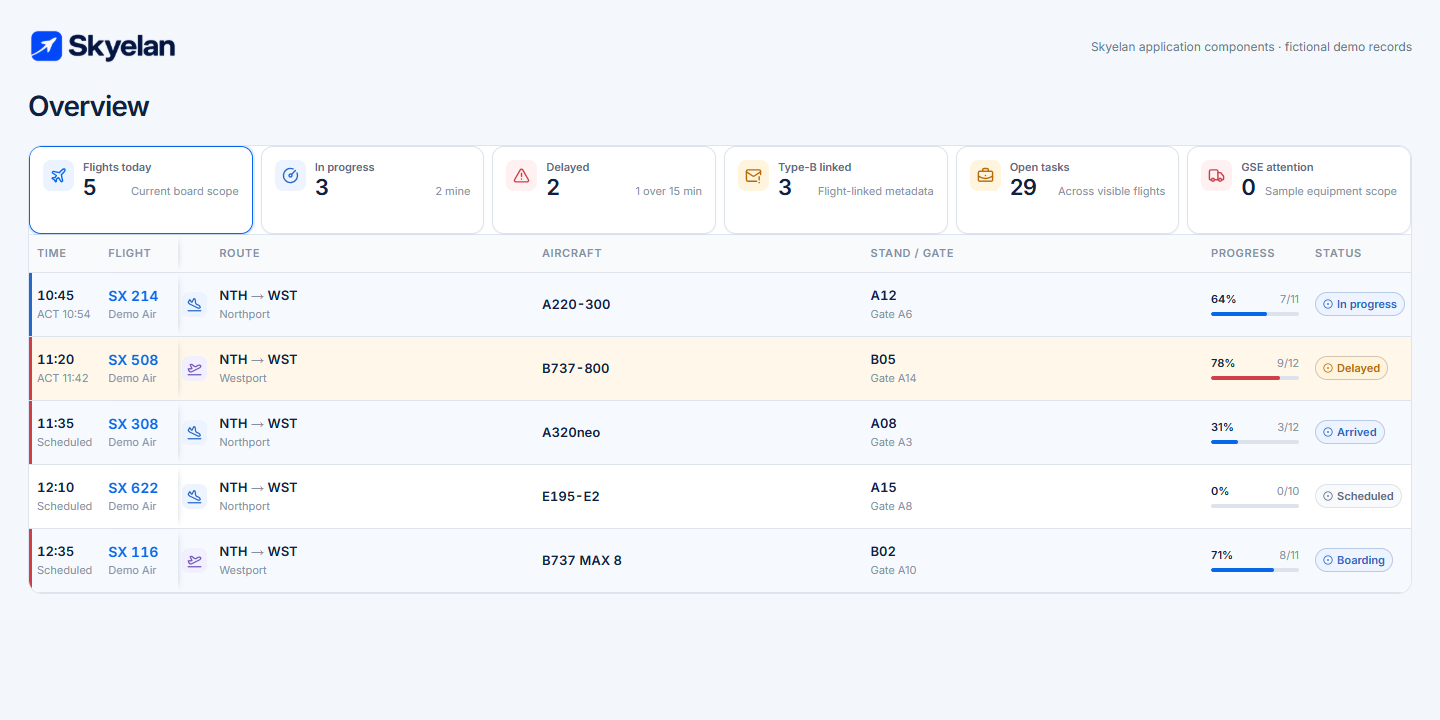
PEOPLE & ELIGIBILITY
Confirm who can do the work
Configured assignment checks can evaluate station, position, shift coverage and mandatory qualifications before work is assigned.
See qualifications and Quality →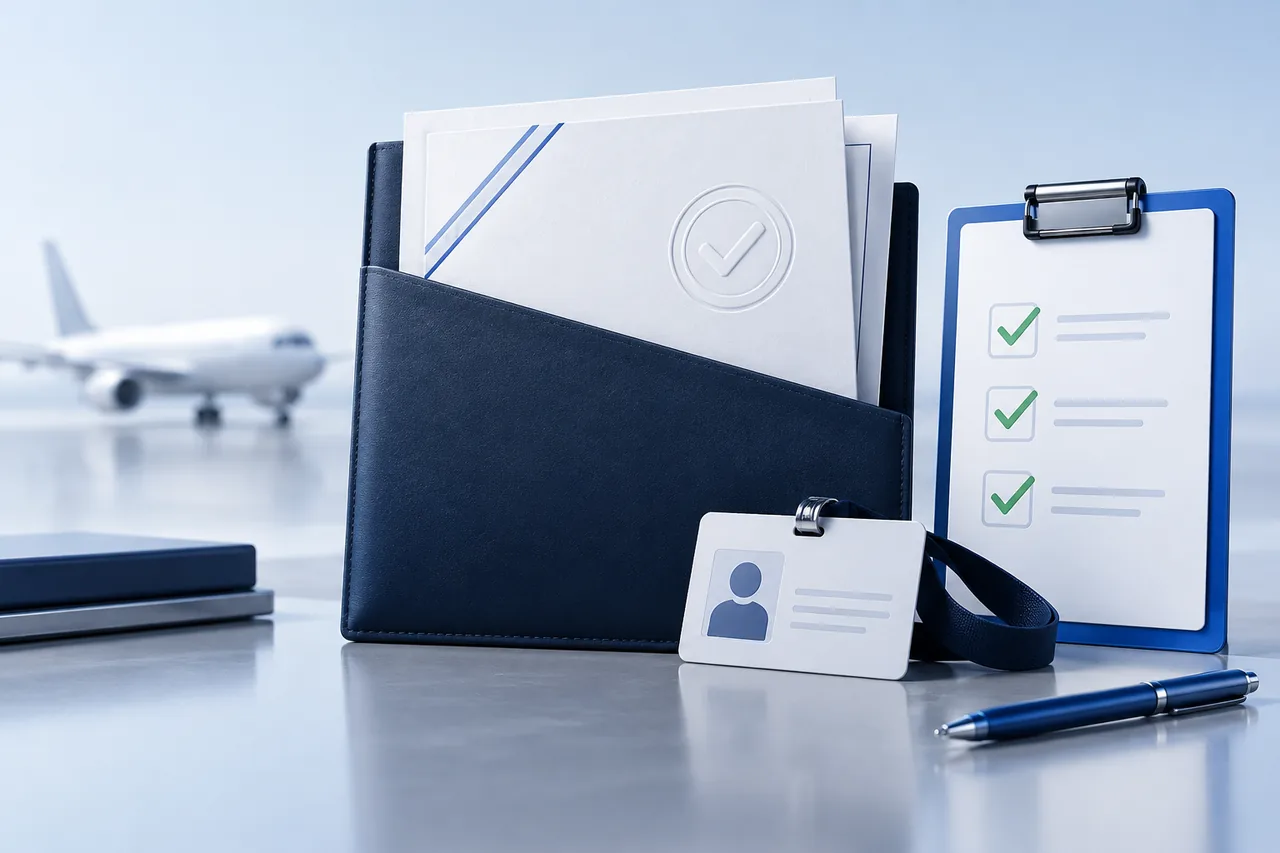
MY SHIFT
Put the next action in the employee’s hand
My Shift keeps assigned work and flight context accessible on a phone. GSE and FLB provide focused tablet workflows.
Explore mobile and tablet workflows →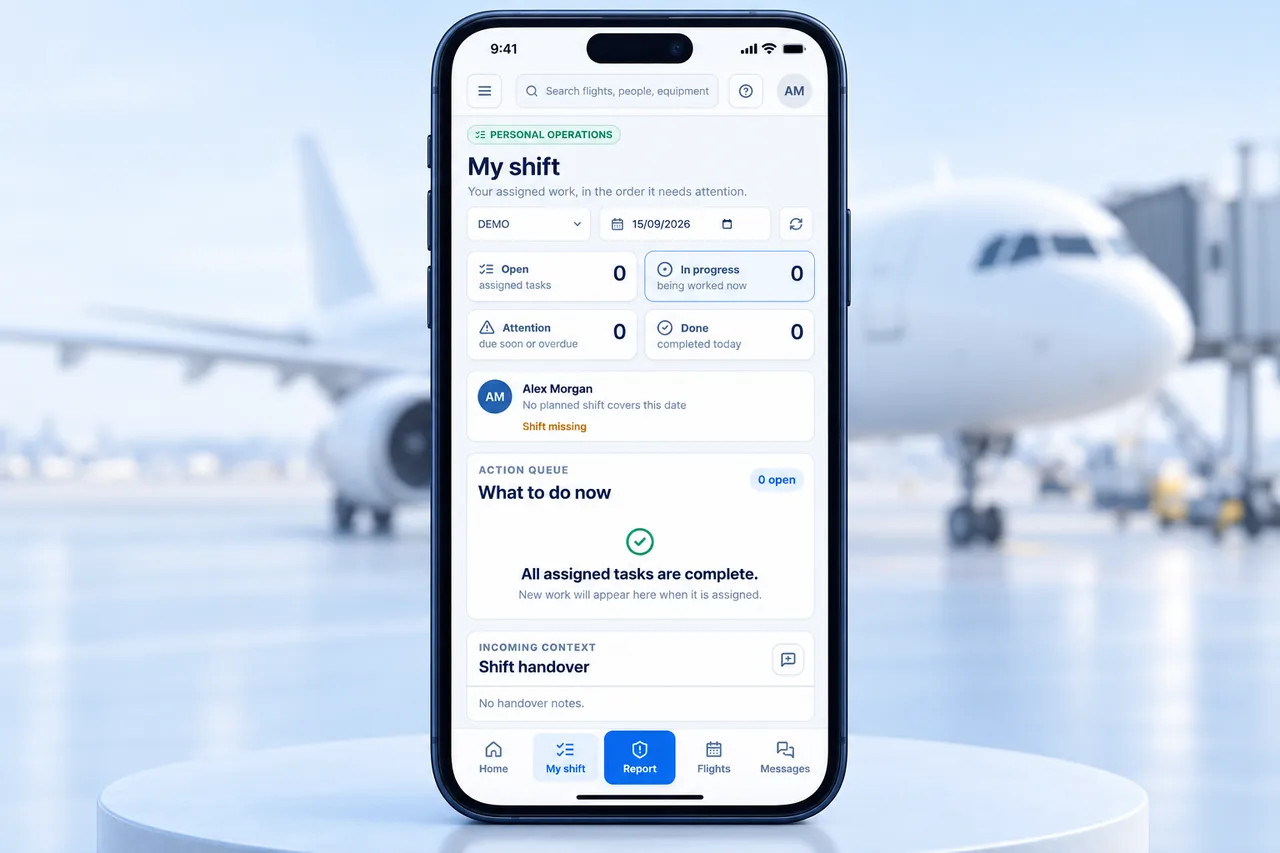
FIELD CAPTURE
Capture work where it happens
Record equipment checks, First and Last Bag milestones, completed services and supporting evidence against the relevant operational context.
Explore GSE checks →
REVIEW & EVIDENCE
Review the record
Quality cases, corrective actions, audit history, service acceptance and billing readiness support the review that follows operational delivery.
Explore service and review workflows →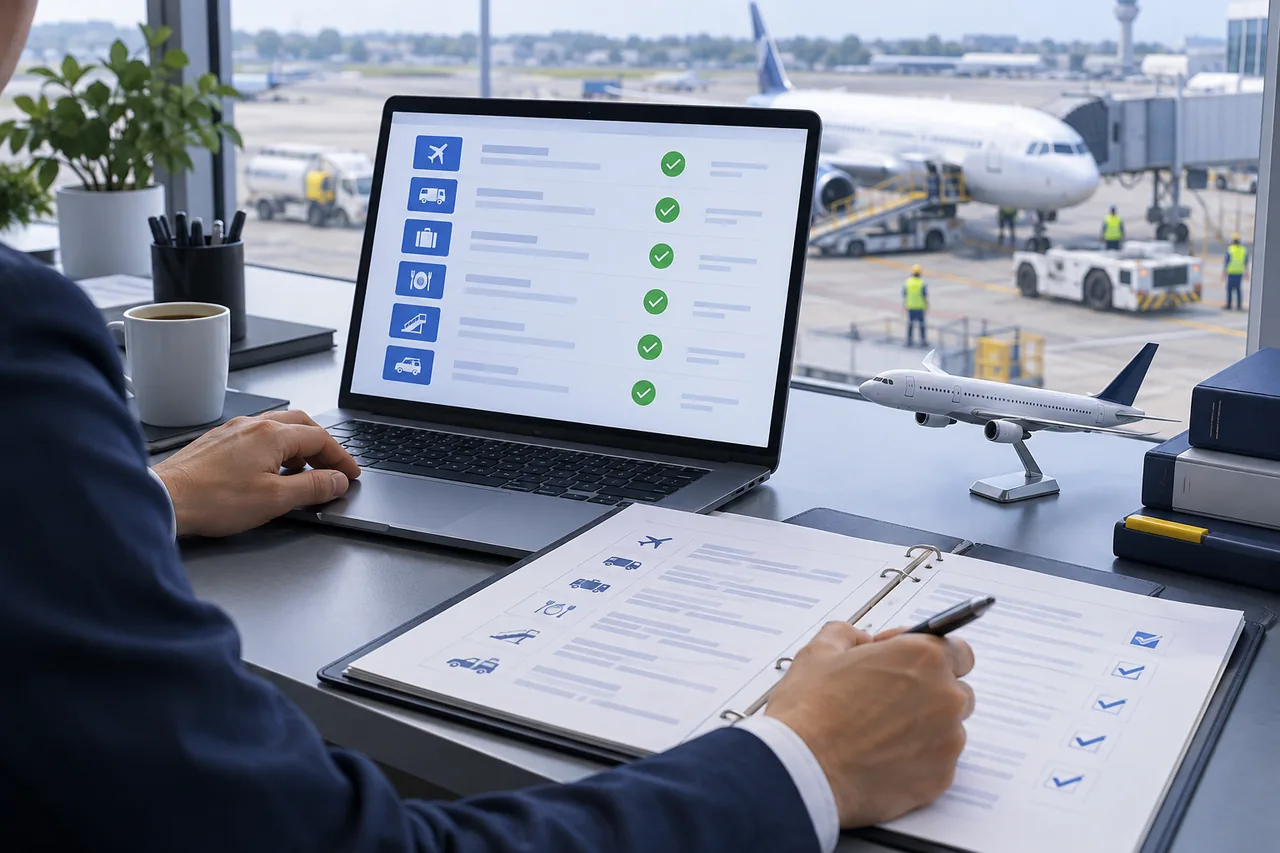
WHAT THIS TOUR REPRESENTS
A product you can evaluate against your operation.
The tour shows implemented workspaces and supported workflow categories. Connector availability, field behavior, roles, data sources and commercial controls are confirmed for each deployment.
It does not claim universal offline operation, autonomous operational decisions or a ready-made connector for every system.
See deployment & onboarding →